
When it comes to running a neighbourhood setup, you want your pools, clubhouses, and courts…
How to Manage Multiple Coworking Membership Types Without Administrative Chaos
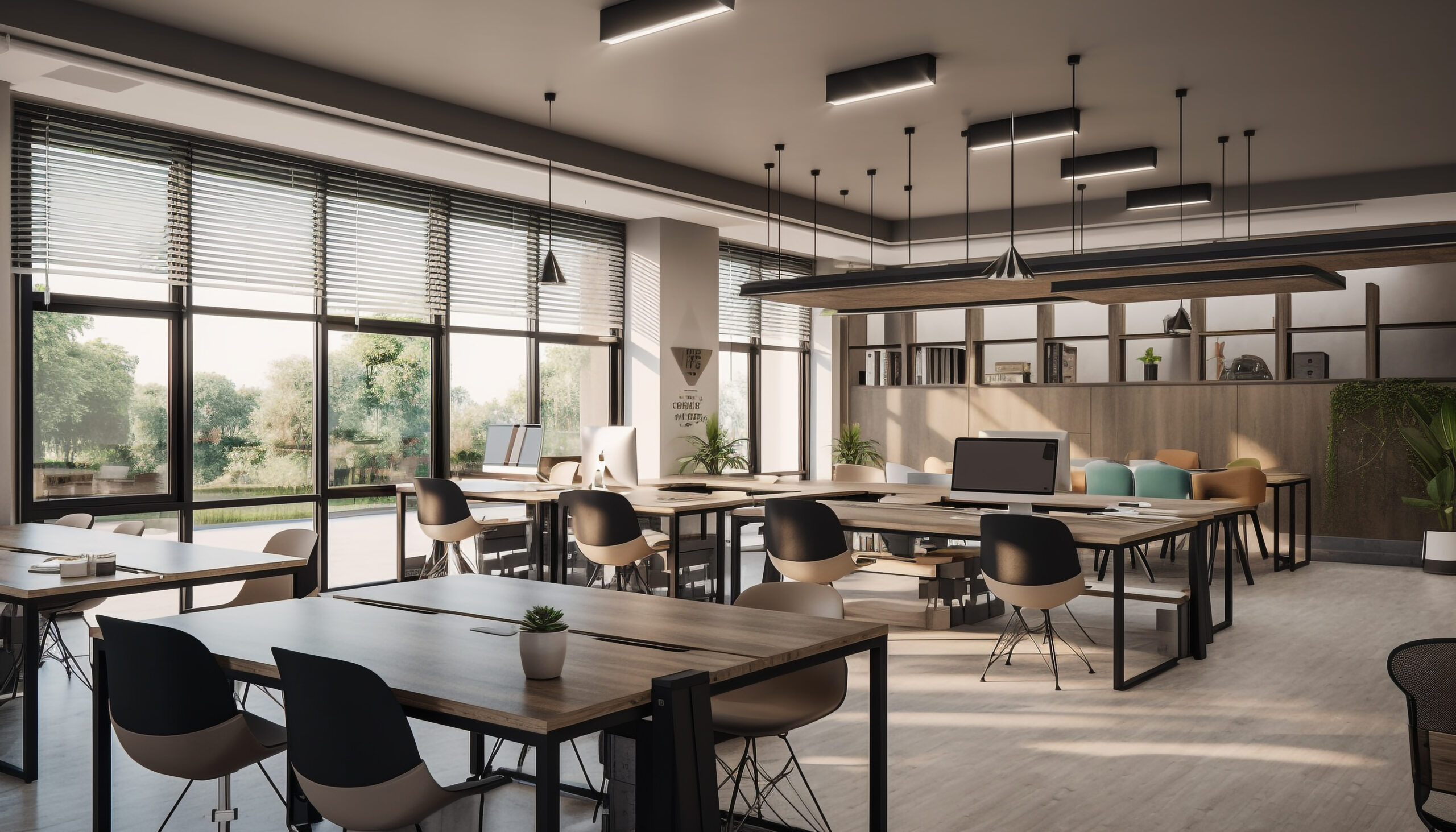
A single coworking location rarely serves one type of user. On any given day, a front desk might process a walk-in day-pass visitor, a hot desk member arriving for their usual spot, and a corporate account booking a meeting room for an off-site team. Each of these users follows different billing rules, different access rights, and different expectations for how the space should work.
From pricing structures to access permissions, this is how coworking space management software keeps multiple membership types running without turning your front desk into a daily improvisation exercise.
Why Mixed Membership Types Create Operational Strain
Coworking operators rarely start with one plan and stay there. As demand grows, most spaces add tiers to capture more revenue: day passes for occasional visitors, hot desk memberships for regulars, dedicated desks for people who want a fixed spot, and private offices for teams that need a door. Layer in meeting-room-only users and corporate accounts, and a single facility can end up managing six or seven distinct relationships at once.
The strain shows up in predictable places. Staff have to remember which plan grants which access, billing cycles overlap, and a meeting room can double-book when a day-pass reservation and a member’s recurring booking aren’t checked against the same calendar. None of this happens because staff is careless. It happens because the rules are too complex to track manually once membership types multiply.
Common Friction Points Operators Run Into
Before coworking space management software fixes the problem, it helps to identify where the chaos actually originates. Most coworking operators run into a similar set of friction points as their user base diversifies:
- Billing conflicts, where a member upgrades or downgrades mid-cycle and proration gets calculated incorrectly
- Access mismatches, where a day-pass visitor enters areas reserved for dedicated members or a former tenant retains access after leaving
- Double bookings, where a desk or meeting room gets reserved by two membership types because calendars aren’t unified
- Front-desk confusion, where staff manually verify entitlements instead of the system confirming them automatically
- Reporting blind spots, where usage data gets lumped together instead of broken down by membership type
Each of these is manageable alone. Together, across dozens or hundreds of active users, they consume hours of staff time every week.
Setting Clear Rules for Each Membership Type
The starting point isn’t software. It’s clarity about what each membership type actually includes. Every plan should have a defined answer to a few questions: what spaces can this user access, during what hours, and at what price? A hot desk member might have unlimited access to shared seating during business hours but no claim to a private office. A meeting-room-only user might have zero desk access but the ability to book conference rooms by the hour.
Writing these rules down before configuring any system prevents a common mistake: building a platform around vague policies and then discovering gaps that require additional configuration. Once the rules exist on paper, they can be mirrored in a system that enforces them automatically.
How Coworking Space Management Software Keeps the Rules Consistent
This is where coworking space management software earns its keep. Instead of staff manually cross-referencing who’s allowed where, the system ties access, billing, and booking permissions directly to each membership type.
A well-configured platform handles this in a few connected ways:
- Access permissions are assigned automatically by plan type, so a day-pass visitor and a dedicated-desk member get different entry levels without a front-desk judgment call.
- Recurring billing runs on its own schedule per tier, reducing the proration errors common with mixed monthly, weekly, and pay-as-you-go plans.
- A centralized booking calendar prevents a room or desk from being reserved by two membership types at once, since every reservation checks the same source of truth.
- Member records stay synchronized across bookings, payments, and access permissions, so staff aren’t updating multiple systems every time someone changes plans.
Beyond error reduction, the result is a system where adding a new tier, like a corporate team plan or an evening-only pass, doesn’t require rebuilding your operational process from scratch.
Reporting That Reflects Reality
Mixed membership types also complicate reporting if your coworking space management software treats every user the same. Operators need to know which plans drive revenue, which ones are underused, and where utilization concentrates by time of day or space type.
A platform built for multiple membership types should break down usage and revenue by tier. Those insights help operators decide whether to adjust pricing, allocate spaces more effectively, rethink underused membership types, or plan future growth based on actual demand instead of assumptions.
Manage Every Coworking Membership Type with Access Granted Systems
Coworking spaces that scale past a single plan type eventually hit a point where manual tracking can’t keep pace with the exceptions involved. The operators who handle this well aren’t the ones with the fewest membership options. They’re the ones running a system that enforces the rules consistently, regardless of how many plan types are active.
That’s exactly what Access Granted Systems is designed to do, giving coworking operators one platform to manage access, billing, and bookings across every membership type without adding administrative load. Request a free trial or demo to see how our coworking space management software handles multiple membership types.
FAQs
How many membership types can a coworking space realistically manage at once?
Many spaces manage between four and seven active plan types, from day passes to private offices. The right coworking space management software handles more without added staff burden, since complexity gets absorbed by automated rules rather than manual tracking.
What happens when a member switches between plan types mid-cycle?
A properly configured system prorates billing automatically and updates access the moment the change takes effect. Without automation, mid-cycle switches are a common source of billing errors and access problems.
Can meeting rooms be shared fairly across different membership tiers?
Yes, when bookings run through one centralized calendar that all membership types check against. This prevents overlap between a day-pass visitor’s reservation and a recurring booking held by a member.
Does adding more membership types always increase administrative work?
Not if the system is built to scale. Manual processes get harder with each new tier, but software that ties access and billing to plan type keeps that complexity from becoming added staff hours.

Related Posts